GTA SA : The4VMod

The4VMod is now officially on progress, it has only 3 features right now but some good suggestions from you are always welcome. Those features are :
- Cover System; originally was made for The Division project but to release this mod I need my friend's permission for public release
- Dead Indicator; not much to say but when you kill someone that you aimed, the screen will flashing
- Steal Locked Car; with nice breaking glass effect.

Click HERE to download the mod!

Video :


Screenshot :

Read more

GTA SA : Script Dependent Drawings


Everyone asking how did I get no bug texture (such as white texture bug) while playing with my mods, for example Switch Protagonist Mod. I guess some of you already know about to this mod.

It's Script Dependent Drawings that could fix that bug. I hear that CLEO 4.3 already fix bug texture so you may want or don't want to download this because some people say Script Dependent Drawings is not compatible with the newest CLEO version. Btw, I use CLEO 4.1 to run my mods

Download
Author : Wesser
Read more

GTA SA : Edo Tensei Hokage (Giveaway)

For more info go to my Facebook page
Only 10 people can get this mod! Contest will end until 14 September 2014
Giveaway contest is closed

Read more

GTA SA : Watch Dogs HUD

I'm sorry if I look like don't care about updating this blog, but hey I already told ya to keep an update to it. Anyway I will post a new modification especially HUD elements like Watch Dogs. Here's the list of it :

- Battery as health and armour
- Weapon icons is moved to the black box
- Pain indicator is placed on 'flipped square-like' (on the black box)
- Radar moved to the right side
- Player condition mode on the black box (on-foot, car, plane, train, etch)
- Radar is now blurred (shadow)
- Wanted level moved to below the radar

The HUD is now configurable and adapt Display settings. If you turned off Map & Blips option, the mod is turned off too. And so on.

Hack System Short-Preview :

So far only those I can do. Some screenshots :


Click Here to download the HUD. (Download is now available)
Click Here to download the Hacking Mod.
Read more

GTA SA : Switch Protagonist Mod (in45do version)

Current version : BETA 2

Hello, guys! This is my new CLEO mods about switching character/protagonist from CJ, Sweet, and Cesar, note that this is GTA V version not GTA SA. Some features :
- Colored screen while changing protagonist
- Have a same weapon slot(s)
- Unique ability after recruit NPC protagonist
- Faster changing if near NPC protagonist
- If NPC protagonist dead, player must pay $20.000
- NPC protagonist has side activity
- Player wheel in GTA V version
- Removed hostile protagonist
- 3 Protagonist
- 3 Protagonist with 3 different special abilities
- Flashing screen while switching
- Switching from any vehicle (except boat and plane)
- Turret mode

Currently working on this :
- Player stats

Video :


 Screenshots :

Comment and suggestion are welcome! Link to download: BETA 1 , BETA 2 , and BETA 3
Read more

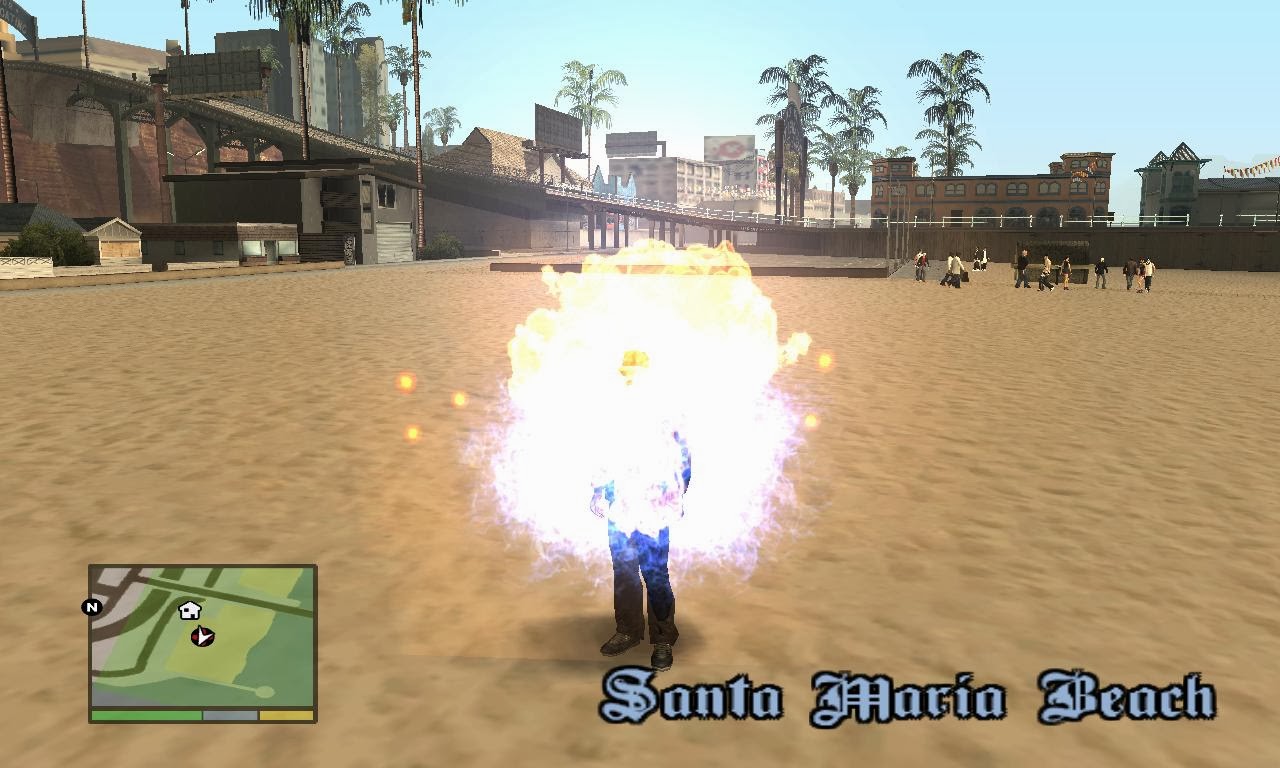
GTA SA : Dark Mage

This is CLEO Mods (pack) originally made by me (in45do). This things include powers and dark skills like mage. Here's the list of skills that already made.
Skills :
- Hydrokinesis
- Pyrokinesis (changed)
- Thunder Claws
- Dark Gravity
- Mage's Resurrection
- Dimension Teleporter (changed)

Adding one enemy, Electro. See the video to find out more.

Note :
Using Dimension Teleporter will decrease your current wanted level.
Using Thunder Claws will restore your health.
Mage's Resurrection will activated if player dying not dead.

Release date is unknown but I want you guys to know the skills before release, what is your thought? Anyway this is still WIP, some of things is not done yet.

Notice that I release the file to The Lost Cruise page, but you could download Dark Mage from there. Here's the link : Download

Screenshots :


Video :

Read more

GTA SA : 3rd Anims Mod

What does this mod do?
You know, when you equip weapons that need to hold like shotgun, combat shotgun, M4, etch, you only have 2 animation style, that is walking armed and running armed. But now, I'm trying to add sprint armed for those weapon's hold style, like GTA IV (and GTA V) does. For more updated info, seen official page at GTAForums.

The Usage :
It's pretty simple, like ordinary sprint keyword. ( W/Space )

Download at video title (release)!

Video :
Quick Test 

Final Test


Gameplay (still testing)

Release! Download!
  

Testing
Read more

Personality Rage (CLEO Mod)

Hello again guys!
I want to share my second working CLEO mod, it's all about invulnerability. Features that I've done :
- Bullet proof
- Explosion proof
- Fire proof
- Screaming voice (angry)

Screaming voice (angry) have two different sound, CJ's sound and Niko Bellic sound. Besides that ability,there's some weakness effect to the player, I like this idea to prevent player take alot of fortune. This is some of player's weakness :
- Player going to "deaf mode"
- Accuracy is decreased

Usage :
Press Insert to activate Player Rage Mode
Press Page Up to deactivate Player Rage Mode

This CLEO mod is complete! Sorry there are no photos or screenshots.


Link to download : Here
Read more

Slow Motion Ability

Slow Motion Ability

Hello guys, I want to share about my first working CLEO script, slow motion mode. Slow motion CLEO mod already made by few people, but I want to recreate (not steal it) slow motion mode and I add sound effect between slow gameplay and normal gameplay. Fade effect is added! It will give blue vision when using ability.

There's isn't something new, but here's how to use it:
Press X to activate and deactivate the mod

Future Feature :
I'd like to combine this CLEO mod with texture like yellow bar (GTA V special ability) into my Rectangular HUD. But it takes alot of time to learn scripting.

Known Bugs :
Somebody said it will crash when turn off the mod. It doesn't crash to me, but I will find the solution.

Credit :
MGR Team Project for their sound effect!
ZAZ for his/her great CLEO tutorial!
ThirteenAG for his permission to use that texture!
See updated mods at GTAGarage, but I don't know why the website is take too long to approving mods. Alternate link has been fixed!

Screenshots : 


Read more

The Lost Cruise

Hello everyone!
Here I want to make something new, it's underwater map!
It will be awesome because I will add ship wreck. I don't know what GTA V does when you're in the water, but I think you'll find treasure things like.

Changelog
BETA 1 :
- 13 ships wreck around San Andreas
- 13 treasures will have to found
- Low to International reward
- Scuba gear mod Not included

BETA 2 :
- Submarine (Made by Switch Designs)
- Underwater myth
- Improved LOD object of the ship
- Darker underwater

BETA 3 :
- Retextured Submarine
- Improved COL object
- Improved Submarine handling ( it's easy to control )
- Added 4 ships wreck around San Andreas
- Treasures are blue packages

BETA 4 :
- GTA V ambience sound mod
- GTA V underwater
- Underwater side-mission

Download the mod at GTAGarage. (Full screenshots at GTAGarage)

Some of the screenshots :


Video :
Read more

Tutorial : Editing Radar.ini (English)

Hello everybody! Today I will show you how to edit Radar.ini properly from Alexander Blade's GTA_IV_HUD. I will use Cyber Sky HUD so you can understand it easier. OK, let's get start!

Step One : Identify Every Function of Line


As we see from that picture, there are many lines of codes that looks 'random' or 'mess'. But, if we look closely, we can find that those group of lines are making something called 'paragraph'. Now, this paragraph control of size and position from each element in GTA_IV_HUD.

Settings and Elements (Example are taken from Cyber Sky HUD's radar.ini)


1. This line control size and position of radar, for settings see Third Step.

2. This line control size and position of HUD border, for settings see Third Step.

3. This line doesn't do anything.

4. This line control size and position of health bar and armor bar, for settings see Third Step.

5. This line control size and position of bar altitude (parachute), for settings see Third Step.

6. Overall picture.

Step Two : Knowing Scale and Position


On this step we have to know that every lines has different element, like X-Scale and Y-Scale or just X and Y. Let us know the different and function.
1. X-Scale = set the texture to stretch from a horizontal direction (left and right)
2. Y-Scale = set the texture to stretch from a vertical direction (up and down)
3. X  = adjust the position of the texture to one direction, it is horizontal (left and right)
4. Y  = adjust the position of the texture to one direction, it is vertical (up and down)

Step Three : Adjust Each Settings


Now we will practice earlier Step 2! Don't worry! This time I will use a picture as an example. Setting the size and position of the radar, HUD frame, health bar, and a bar armor have the same settings form. This time, I will use as an example Radar's setting.

1. Form of Public Setting
Radar represent all settings EXCEPT bar code of altitude/parachute. Take a good look!
We'll start by setting the X-Scale first. First let's add a value, for example 10, to see the difference directly.
See the picture below!


 And see the difference!

Now we begin to set the Y-Scale, does it look easy as X-Scale? We'll try to add some values, example 10. See the picture below!

And see the difference!

Well practiced alone, try and see the results instantly!

I will not explain the change setting X and Y because it's easy to do.
If the number of X plus, it will move to the right, but if minus then will move to the left.
If the number of Y plus, it will move up, but if minus then will move down.

2. Form of Special Setting
And finally touches the last part, it is bar altitude/parachute. Actually I don't know some codes like Color.red, blue, green, and alpha. But these codes can change the color of a component bar altitude/parachute. Well, let's get started!

Radar.ZPosBar.Bar.X and Radar.ZPosBar.BackTexture.X is the main setting in the set position bar altitude/parachute to the right and left. Radar.ZPosBar.Bar.Y and Radar.ZPosBar.BackTexture.Y is the main setting in the set position bar altitude/parachute towards up and down. Both are the same concept as the change in X and Y in general. (If the minus and plus, etc.)

For example if Radar.ZPosBar.Bar.X = 77 to 74 and Radar.ZPosBar.BackTexture.X = 78 to 75, it will obtain the following result!

Now, we're going to X-Scale and Y-Scale!
To begin, we will add the values 20 on Radar.ZPosBar.BackTexture.X-Scale. See the picture below!

And see the results!

Last, we will try it to Radar.ZPosBar.BackTexture.Y-Scale, add some values 20 to that setting. And this is the results!

Well, the following tutorial is done! Keep watching this blog!
Read more

Sky Palette's Colour

Hello everyone! Now I want to share my new setts for ENB graphic. See these screenshots!


Save the picture below to use it. Installation is easy, just put this BMP file into your GTA SA folder.


Read more